


Verdict
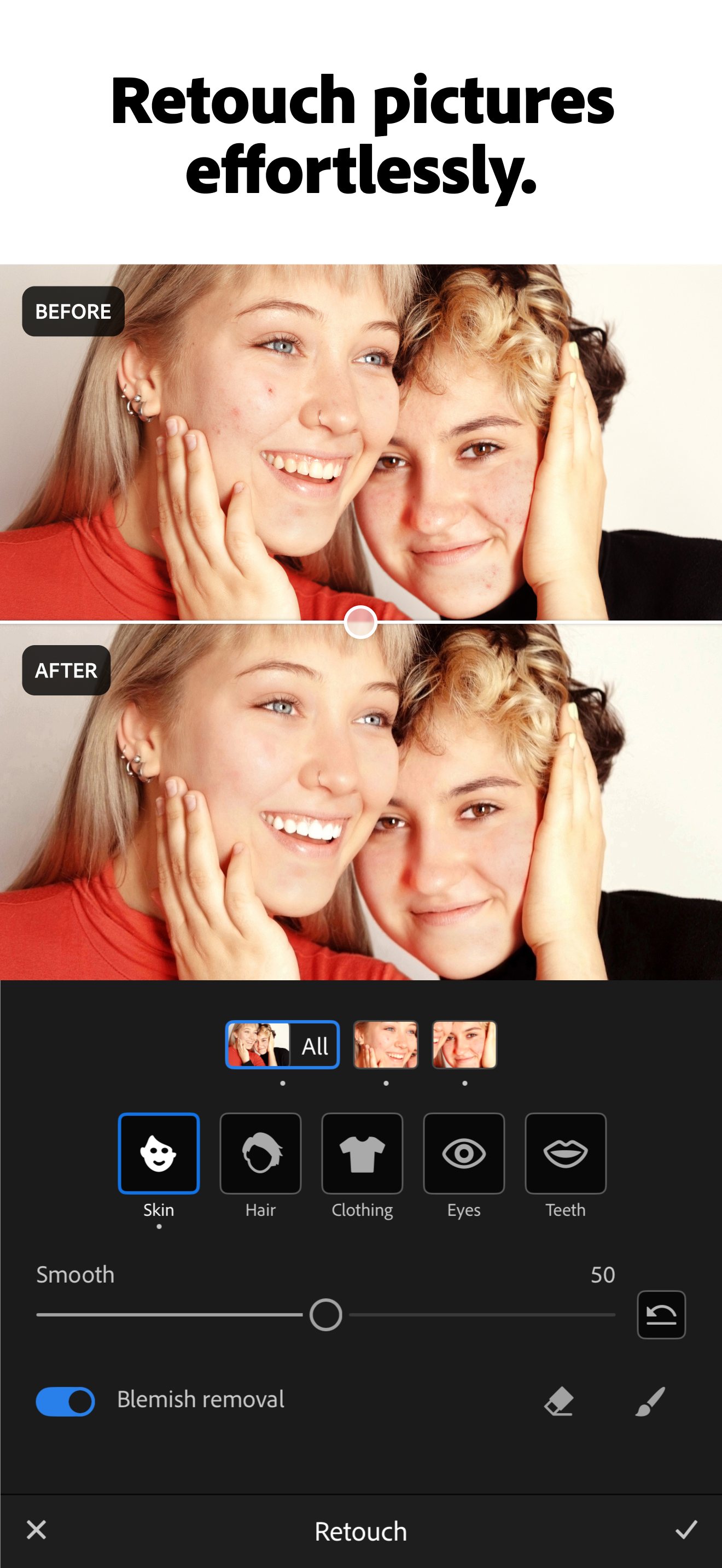
Lightroom is a full photo editor with an Editors' Choice award from PCMag, and its phone app does most of what the desktop version does. The free phone app covers presets and basic sliders, while Generative Remove, Lens Blur and AI blemish removal sit behind a £6.99 a month in-app plan. Adobe's billing has a poor record, with a $75 million US settlement in March 2026 over hidden cancellation fees.
Best for
Phone photographers who want more control than the built-in editor
Skip if
Quick one-tap fixes are enough, or subscriptions are a dealbreaker
Key facts
- Category
- Photo editing & touch-ups
- Made by
- Adobe
- Based in
- United States
- Launched
- 2014
- Works on
- iPhone, Android, Web, Windows, Mac
- In the UK
- Yes
- Price from
- £6.99 a month
- Free plan
- Free mobile app with presets and basic editing tools; Generative Remove, Lens Blur and Adaptive Presets need Premium
Pricing
| Plan | Price | Billed |
|---|---|---|
| Lightroom (annual, billed monthly) | £11.99 | month |
| Lightroom (annual, prepaid) | £119.09 | year |
| Photography (annual, billed monthly) | £19.97 | month |
| Creative Cloud Pro (annual, billed monthly) | £66.49 | month |
| Creative Cloud Pro for students and teachers (first year) | £16.24 | month |
| Lightroom for teams (per licence, excl. VAT) | £27.99 | month |
| Creative Cloud Pro for teams (per licence, excl. VAT) | £73.33 | month |
What it does
- edits photos on phone, desktop and web
- removes people and objects with Generative Remove
- adds lens blur to backgrounds
- applies presets and adaptive presets
- organises and syncs photos with cloud storage
Ratings
What people say
Users praise the phone app and the Remove tool, and some call mobile premium cheap. The complaints are about the subscription model and, from long-time users in October 2026, too many new AI features. Store stars (4.73 iOS, 4.49 Play) sit far above Adobe's 1.1 Trustpilot score, which is driven by billing and cancellation complaints across all Adobe products.
“You can use lightroom mobile, its really cheap and very good”
Individual user review, 5 July 2026 · source

“Remove tool saves the day!”
Individual user review, 16 February 2026 · source

“Took my phone out, took a picture and straight to Lightroom mobile.”
Post on X, 5 October 2026 · source
“Lightroom as it is today is a subscription that will trap you forever.”
Individual user review, 3 July 2026 · source

“…it feels like with every release of Lightroom, new AI features are added that are increasingly questionable.”
Individual user review, 6 October 2026 · source

Press reviews
- PCMag (via Yahoo Tech) 2024-12-07
Editors' Choice for serious amateurs; calls the mobile app more impressive than the desktop one and says Generative Remove recreates textures convincingly, but cloud storage is pricey and there is no monthly-only option.
- ExpertPhotography 2025-12-24
Scores it 96; praises Denoise, Lens Blur and a mobile app that covers most desktop features, but says the subscription is expensive and Remove struggles with complex backgrounds.
Privacy
- Trains on your data
- Adobe says it does not train its generative AI (Firefly) models on customer content, except content submitted to Adobe Stock (statement reported June 2024). Separately, 'content analysis' uses cloud-stored content to improve machine-learning features; 2023 reports describe it as on unless switched off. Locally stored files are not analysed. Prompts and generated results may be reviewed for abuse prevention.
- Opt-out
- account.adobe.com/privacy > Content analysis > switch off. Minors are opted out automatically (per Adobe FAQ as reported).
- Retention
- Personal information kept while the account is active; contract and transaction records kept ten years after last contact; users can delete their own photos (Adobe privacy policy, updated 24 Oct 2025).
- Incidents
- US FTC lawsuit (June 2024) over hidden early-termination fees and hard cancellation; settled March 2026 with $75M payment plus $75M in free services, Adobe denying wrongdoing (court approval pending at the time of reporting). June 2024 terms-of-service backlash over content access, after which Adobe clarified it does not train generative AI on customer content. No Lightroom data breach found in these searches.
- Age limit
- Adobe policy does not set one minimum age for all products; 'children' means under 13. UK App Store rates the app 12+; Google Play PEGI 3.
FAQ
Is Lightroom free on a phone?
Yes. The mobile app is free with presets and basic editing tools. Generative Remove, Lens Blur and Adaptive Presets need Premium, which costs £6.99 a month as an in-app purchase on the UK App Store.
How much does Lightroom cost in the UK?
Adobe's UK site lists the Lightroom plan at £11.99 a month on an annual plan billed monthly, or £119.09 a year prepaid. Cancelling an annual plan after 14 days costs half of the remaining months.
Lightroom or Lightroom Classic?
Lightroom works on phone, web and computer and syncs through the cloud. Classic is desktop-only with more organising and plug-in features, and PCMag recommends it for professionals.
Does Adobe use my photos to train AI?
Adobe says it does not train its Firefly generative AI on customer content unless it is submitted to Adobe Stock. A separate 'content analysis' setting for machine-learning features can be switched off at account.adobe.com/privacy.
Lightroom mobile or Snapseed?
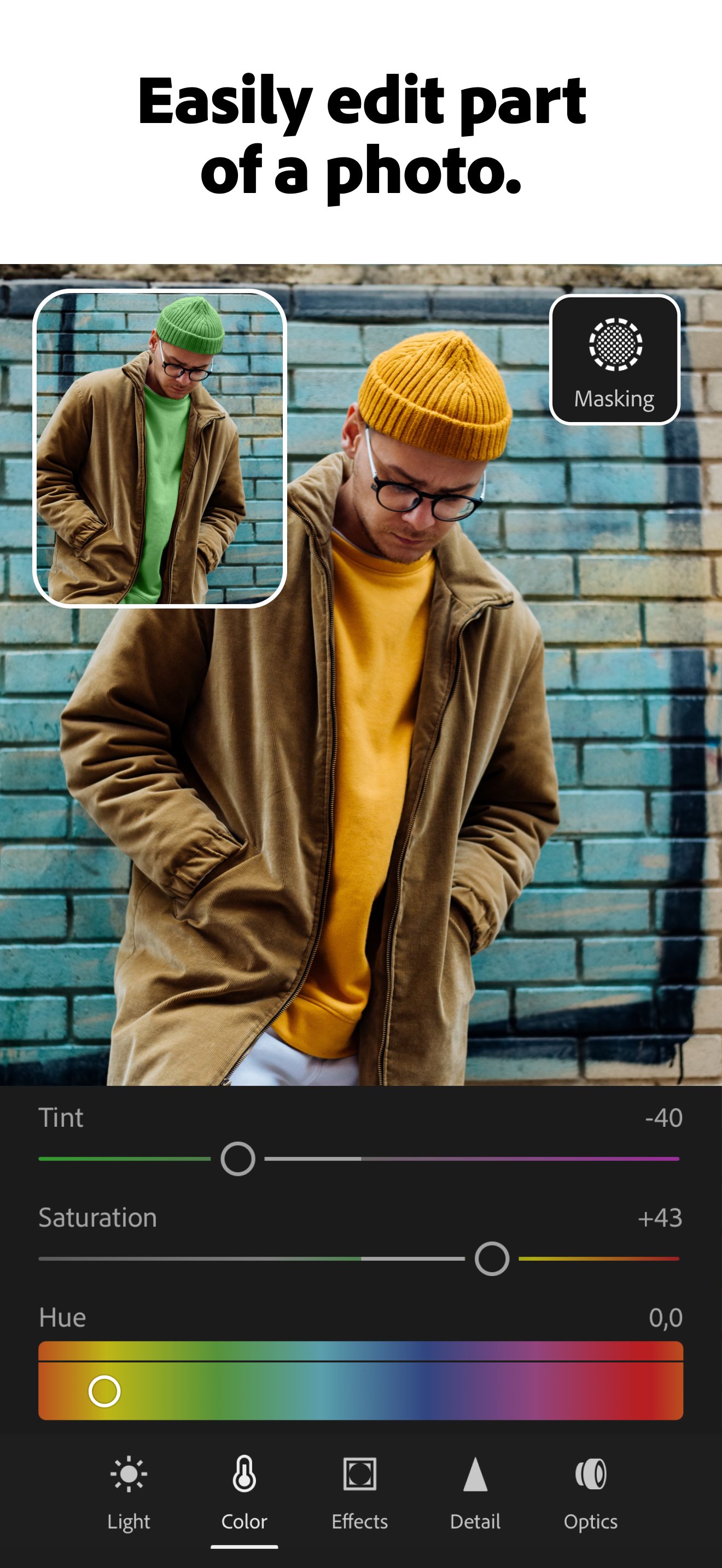
Snapseed is free with no subscription and covers everyday edits. Lightroom adds AI masking, object removal and cloud sync but its AI tools need a paid plan.
Scores are based on published evidence, not lab tests. How we score.
Similar tools

Google Photos
The free photo app on most Android phones, now with AI tools for wiping out photobombers, fixing blur and editing by typing a request.

Photoroom
Cuts the background out of a product photo in a second, built for people selling online.

Remini
One-tap app that sharpens blurry and old photos, mostly faces, by having AI redraw the missing detail.

Picsart
An all-in-one phone editor with AI background removal, object removal, effects and image generation.