Verdict
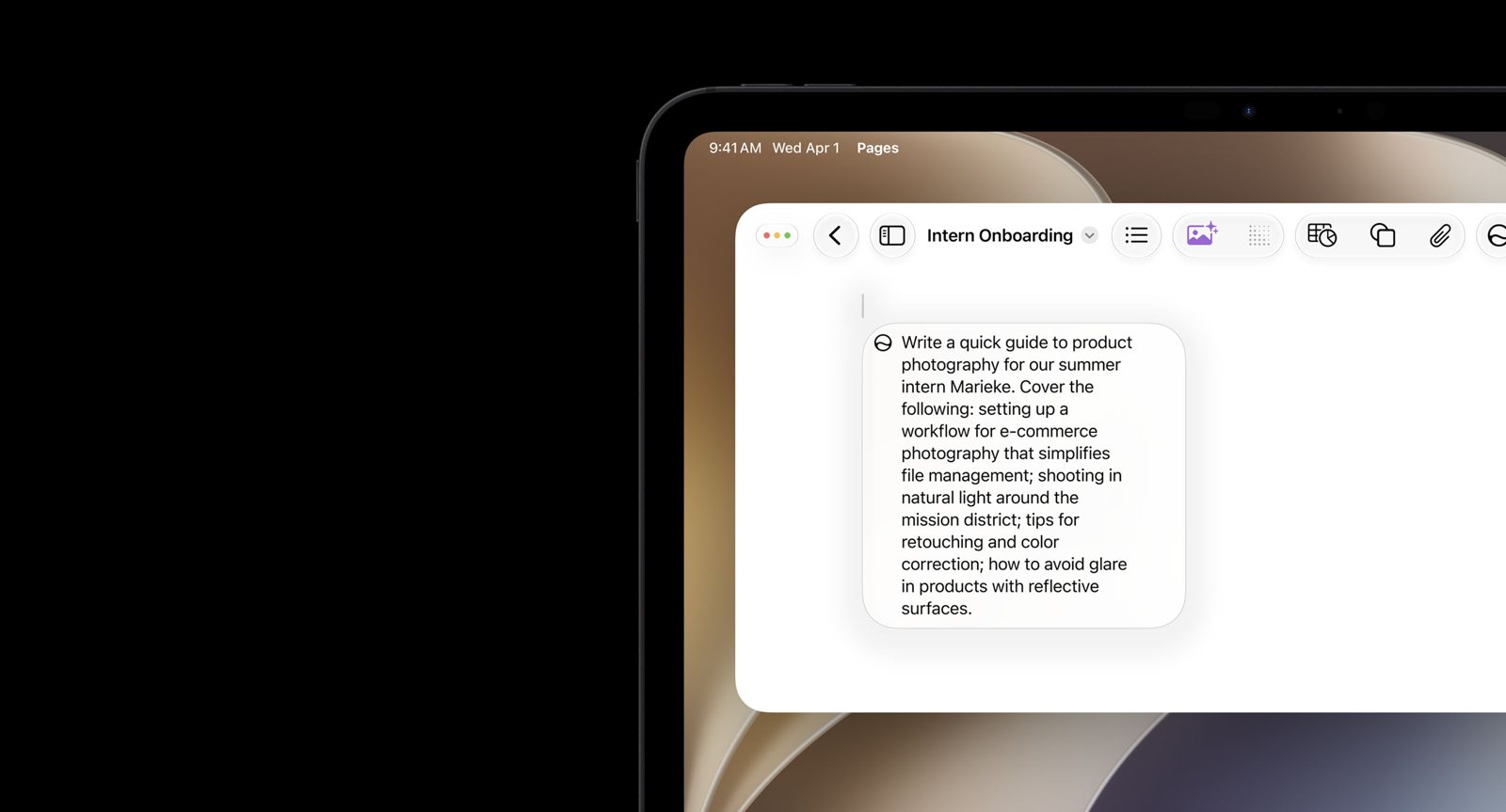
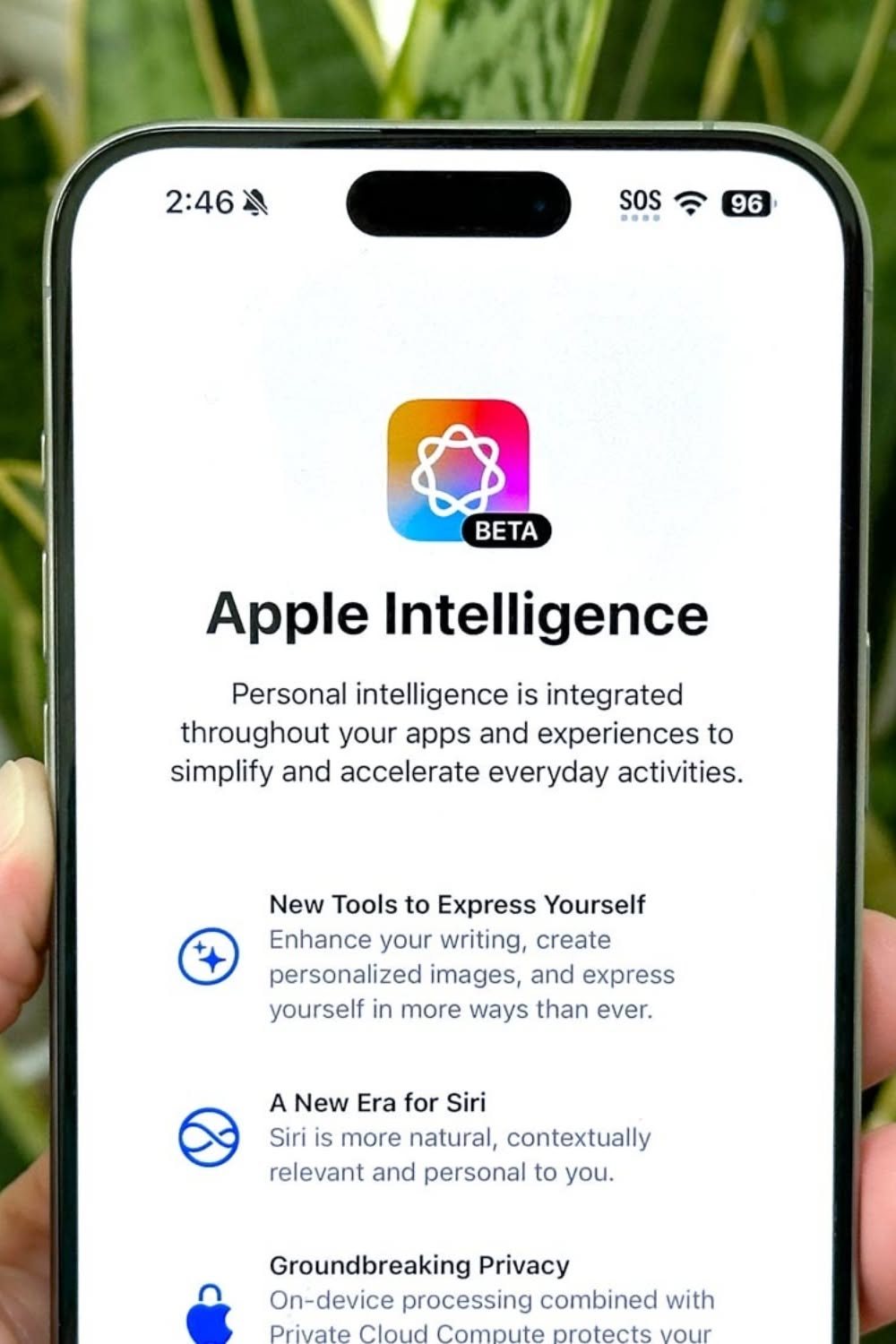
Apple's writing help costs nothing on a supported device and works in most apps where text can be typed, processing on the phone or on Apple's servers without storing the text. In iOS 27 (September 2026) Apple swapped the old Proofread and Rewrite buttons for a 'Write with Siri' box, and user reviews is full of people who can't find the tools or miss the old version. It needs an iPhone 15 Pro or newer and up to 8GB of free space.
Best for
iPhone and Mac owners who want a quick proofread of an email without installing anything
Skip if
Anyone on an older iPhone, Android or Windows, or who wants detailed grammar explanations
Key facts
- Category
- Writing, emails & letters
- Made by
- Apple Inc.
- Based in
- United States
- Launched
- 2024
- Works on
- iPhone, Mac
- In the UK
- Yes
- Free plan
- Free with iOS, iPadOS and macOS on Apple Intelligence devices; server-based features have daily limits
What it does
- writes new text from a prompt
- rewrites selected text to change wording and tone
- proofreads text
- summarises documents
- works in most places with a text box, including third-party apps and websites
What people say
Before iOS 27 users, including a dyslexic writer, valued the one-tap Proofread and Rewrite buttons. Since the September 2026 switch to 'Write with Siri', user threads say the tools seem to have vanished or are slower to reach, and some disabled Siri AI to get the old menu back. There are no store ratings to compare.
“i’m dyslexic they were amazing, not perfect but helped a lot, I don’t want “write with siri””
Individual user review, 11 September 2026 · source

“I just disabled Siri AI and writing tools were brought back to the context menu like before. If it’s this vs Siri AI, writing tools wins for me every time.”
Individual user review, 18 September 2026 · source

“Proofread and Rewrite was mostly available through Siri AI in macOS 27, but now the “Ask Siri” method feels frustrating.”
Individual user review, 19 September 2026 · source

“I don't want to use a feature that takes up GBs of storage and doesn't even help!”
Individual user review, 18 September 2026 · source

Press reviews
- iGeeksBlog 2026-09-25
Strong for targeted edits and proofreading without rewriting everything; text written from scratch can read too formal, and it won't replace dedicated AI writing tools for serious writing.
- 9to5Mac 2026-06-22
News from the beta: Write with Siri replaces the old Writing Tools panel, adds before-and-after snapshots and can use personal context.
- PCMag 2025-05-01
In a five-tool test, Apple Intelligence helped punch up and condense shorter texts like emails or blog posts.
Privacy
- Trains on your data
- no individual content use stated: tasks run on the device or in Private Cloud Compute, where data 'is not stored or made accessible to Apple'; opt-in Device Analytics may study aggregated trends 'without collecting individual user data or content'
- Opt-out
- Apple Intelligence or Siri AI can be turned off in Settings; Device Analytics sharing is opt-in; ChatGPT and other extensions are optional
- Retention
- Private Cloud Compute keeps nothing after returning the result; limited metadata (request size, feature used, timing) may be collected
FAQ
Where did Proofread and Rewrite go in iOS 27?
Apple replaced the Writing Tools panel with 'Write with Siri'. Select or type text, tap the Siri button in the suggestions bar, and describe the change, such as 'proofread this'.
Is it free?
Yes, on supported devices. Apple says features that use its server models have daily limits and that expanded access will cost a fee in future.
Which devices does it work on?
iPhone 15 Pro and later, iPads and Macs with M1 or later, and some other recent models, running the 27 software releases. Older iPhones cannot use it.
Does it work in the UK?
Yes. UK English support arrived with iOS 18.2 in December 2024, so UK users do not need to switch their phone to US English.
Scores are based on published evidence, not lab tests. How we score.
Similar tools

QuillBot
Rewords, summarises and grammar-checks text, with a free checker that has no word cap.

Wispr Flow
Dictation that turns rambling speech into tidy written text in any app, on phone or computer.

Grammarly
Checks spelling, grammar and tone in almost every app, on a phone keyboard or a computer.
Microsoft SwiftKey
A free phone keyboard with a Copilot button that rewrites a message as polite, casual or professional.