Verdict
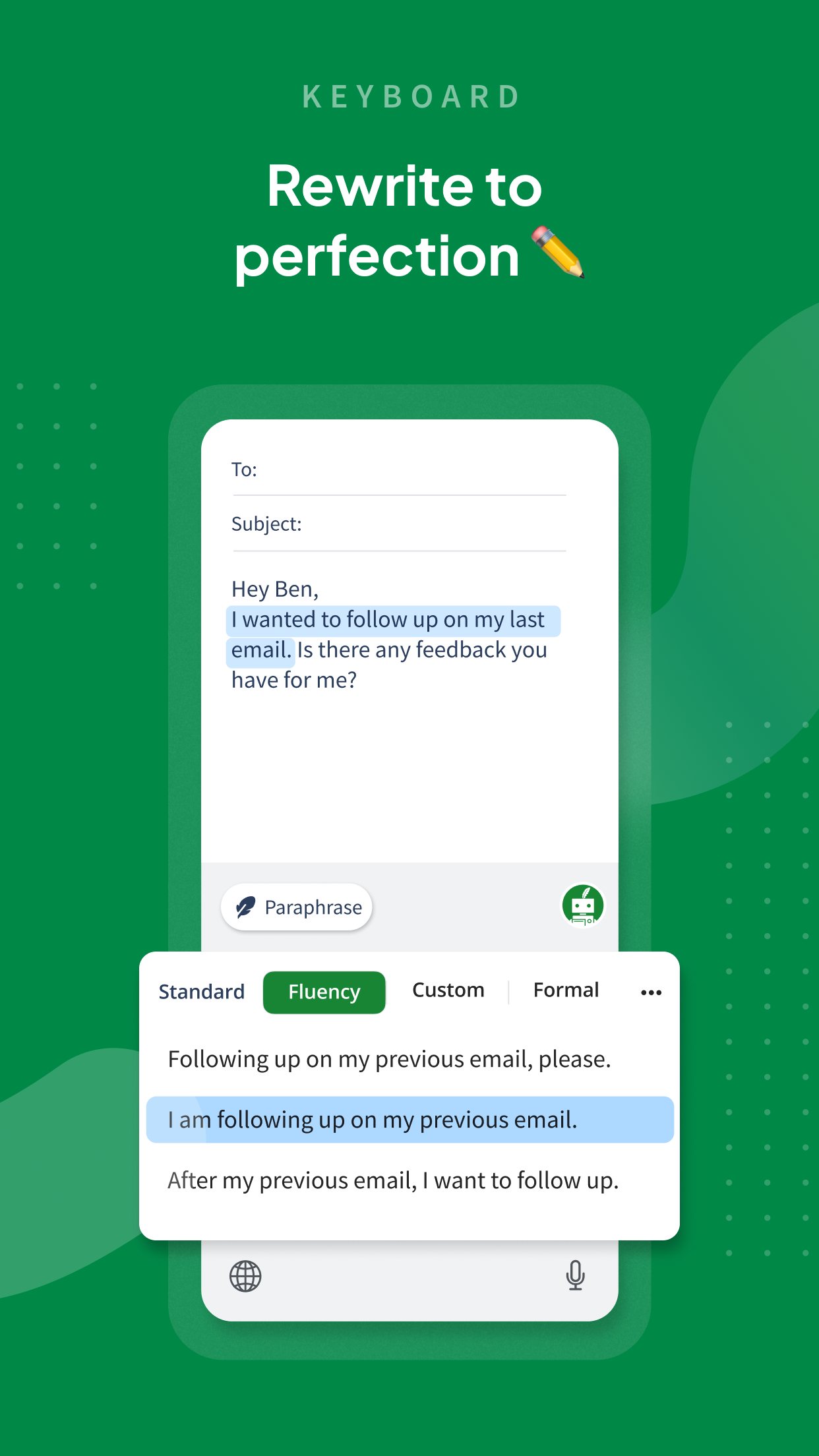
QuillBot is best at rewording a clumsy sentence, and its grammar checker is free and less pushy than Grammarly's. The paid plan costs £99.99 a year in the App Store, or £19.99 on a monthly plan. Students should know that reworded text still gets flagged by AI detectors, and user reviews is full of people who found that out after submitting.
Best for
Rewording awkward sentences and quick free grammar checks
Skip if
Students hoping it hides AI-written work, or anyone who forgets to cancel subscriptions
Key facts
- Category
- Writing, emails & letters
- Made by
- QuillBot, a Learneo Inc. business
- Based in
- United States
- Launched
- 2017
- Works on
- iPhone, Android, Web, Windows, Mac
- In the UK
- Yes
- Price from
- £19.95 a month
- Free plan
- Free grammar checker; paraphraser limited to 125 words at a time with fewer modes (PCMag)
Pricing
| Plan | Price | Billed |
|---|---|---|
| Premium (monthly) | £19.95 | month |
| Premium (billed annually) | £8.33 | month |
What it does
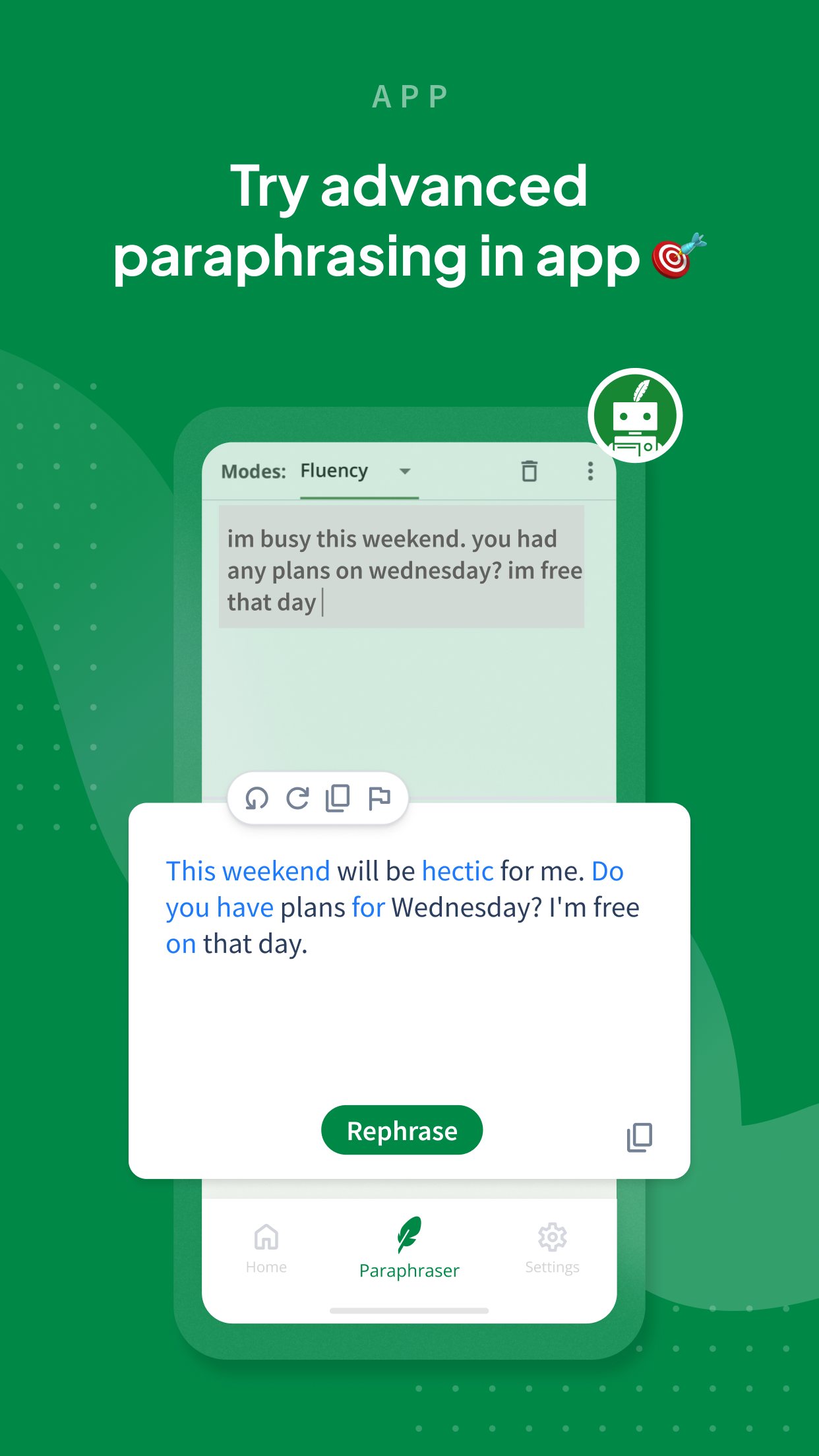
- paraphrases text in several modes
- checks grammar and suggests clearer wording
- summarises long text
- checks text for plagiarism
- detects AI-written text and rewrites it to sound human
- generates citations
Ratings
What people say
Users like it for cleaning up wording and the low-change synonym slider, but much of the user reviews talk is students worried that paraphrased text gets flagged by Turnitin, and QuillBot's own detector flagging their work. Store and Trustpilot stars are high (4.8 on Trustpilot) while the complaints there centre on auto-renewal.
“Quillbot is great for cleanup, grammar, and making writing clearer. It’s mid for tone, creativity, and avoiding AI flags.”
Individual user review, 18 November 2025 · source

“The synonym slider is the only reason I still use it. Anything past like 25% and it turns into alien language”
Individual user review, 20 November 2025 · source

“Been using Quillbot premium for like 3 semesters already, thinking I could paraphrase my papers and have no problems with Turnitin… turns out that's over now.”
Individual user review, 24 February 2026 · source

“I got 18% ok Turnitin but 100% on Quillbot?!! I swear I wrote it myself”
Individual user review, 6 May 2026 · source
Press reviews
- PCMag 2026-04-07
The closest competitor to Grammarly and far less intrusive; the reviewer says he'll be sticking with QuillBot.
- PCMag 2025-05-01
Good for sentence-by-sentence editing and fixes typos well; Standard mode bland and Formal mode too proper.
- TechRadar 2025-02-19
Explainer, not a test: praised for paraphrasing, but it can alter meaning and the free version has strict word limits.
Privacy
- Trains on your data
- yes by default: QuillBot's trust center says inputs are used for training (Team Plan inputs excluded)
- Opt-out
- yes for account holders: Data and Privacy settings in the extension/app turn off text storage and training (trust center, read via search; page itself returned 403)
- Retention
- trust center says text storage is on by default
- Age limit
- UK App Store rating 4+
Official videos
FAQ
Is QuillBot free?
Partly. The grammar checker is free, and the paraphraser works on up to 125 words at a time on the free plan. Premium is £99.99 a year or £19.99 a month in the UK App Store.
Can Turnitin detect QuillBot?
Often, yes. user threads from 2026 describe paraphrased essays flagged as AI-written, and reviewers warn that rewording does not reliably hide AI text.
QuillBot or Grammarly?
PCMag's April 2026 test calls QuillBot the closest rival to Grammarly, cheaper and less pushy with upgrades. Grammarly is the stronger proofreader in most reviews; QuillBot is stronger at rewording.
Does QuillBot keep what I type?
Its trust center says text is stored and used for training by default, with switches in Data and Privacy settings to turn both off for account holders.
Scores are based on published evidence, not lab tests. How we score.
Similar tools

Apple Writing Tools (Write with Siri)
Free proofreading and rewriting built into recent iPhones, iPads and Macs, now run through Siri.

Wispr Flow
Dictation that turns rambling speech into tidy written text in any app, on phone or computer.
Grammarly
Checks spelling, grammar and tone in almost every app, on a phone keyboard or a computer.
Microsoft SwiftKey
A free phone keyboard with a Copilot button that rewrites a message as polite, casual or professional.