Verdict
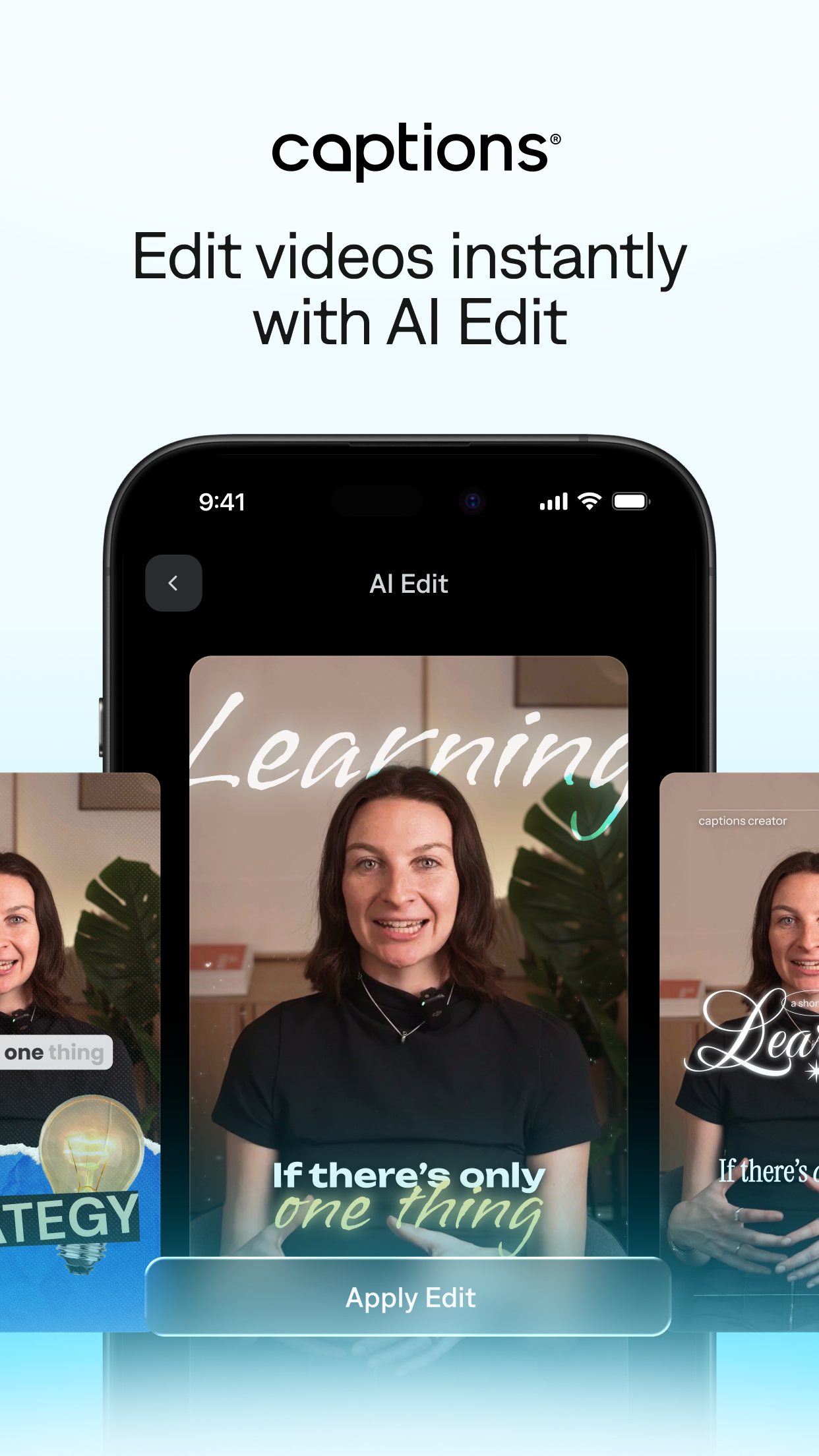
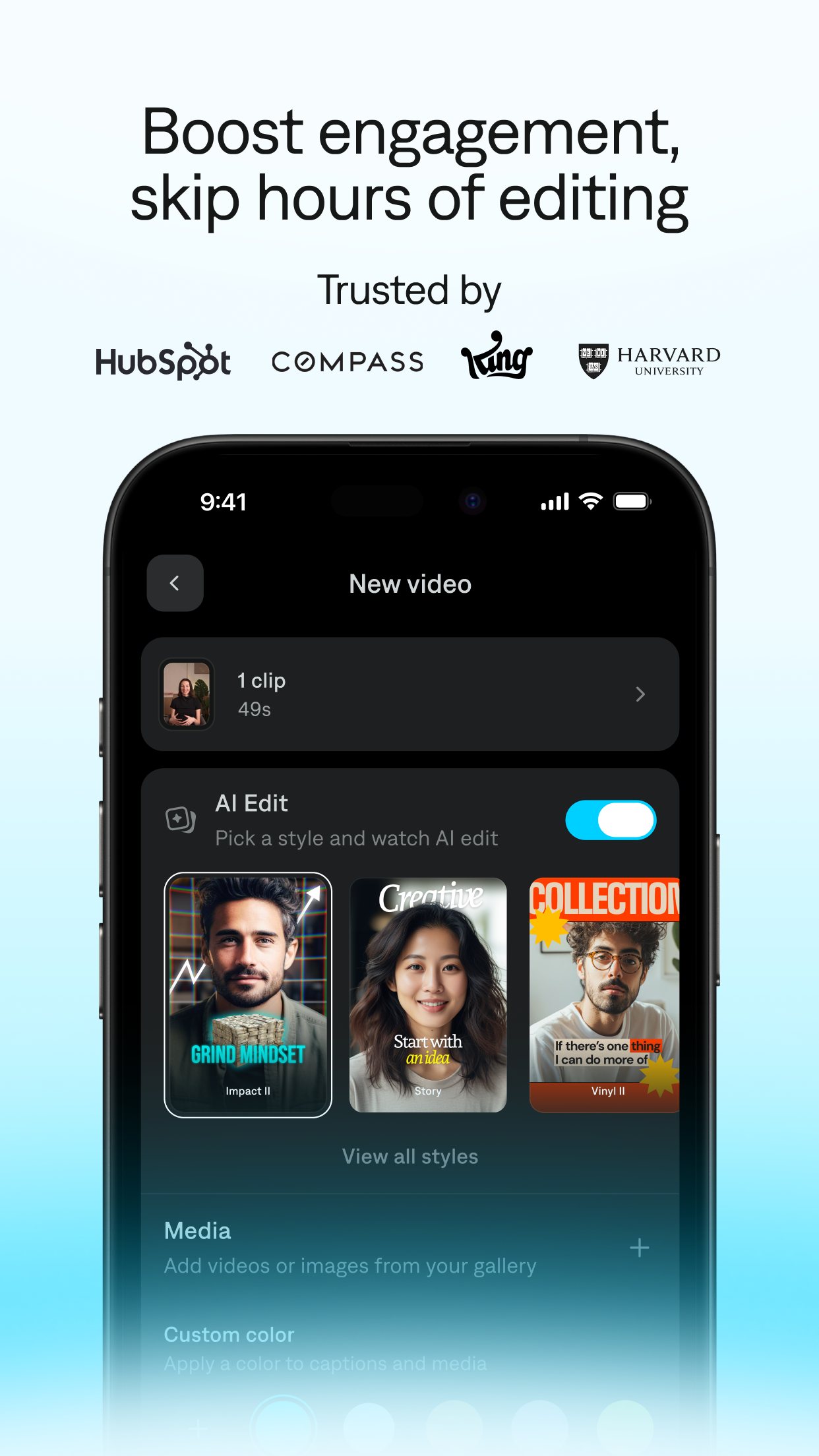
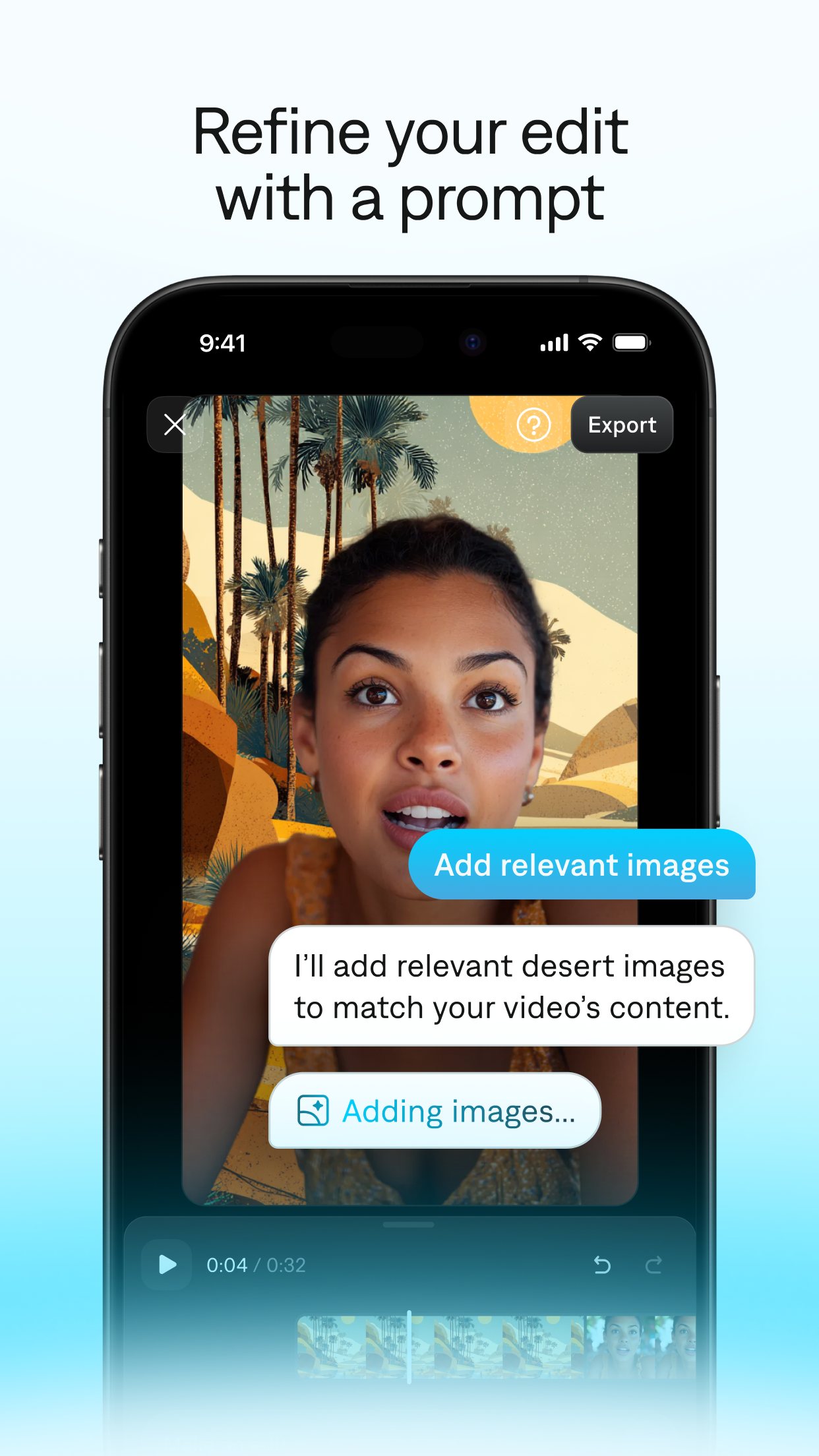
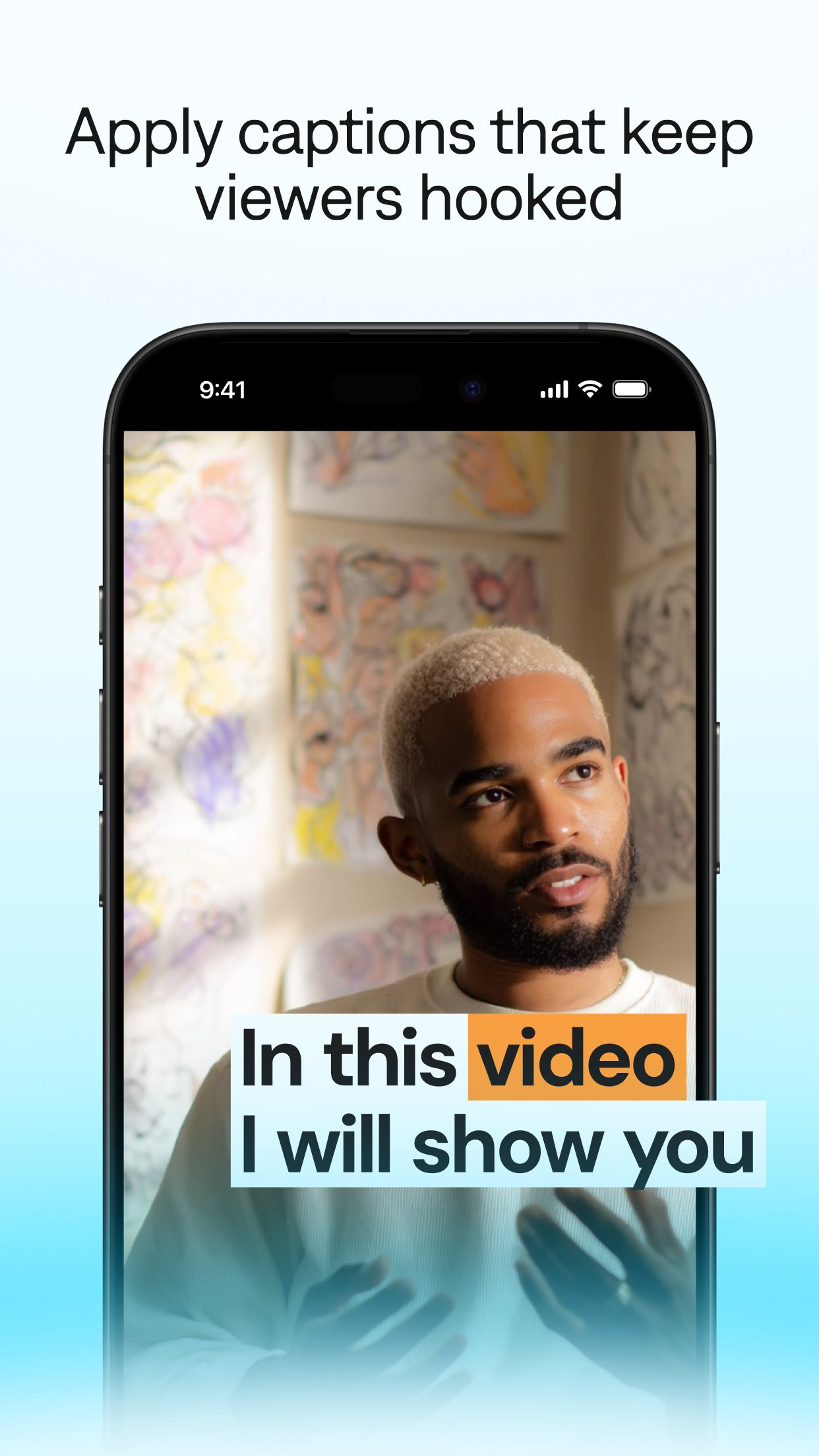
Captions takes a clip of someone talking and adds subtitles, zooms, cuts and B-roll in one tap, which is why 20 million people have tried it. The free plan has no AI credits, so the useful parts start at £9.99 a month on the UK App Store, and the Android version is a cut-down Lite app. Its privacy policy allows face and voice data to train its models and lets it pass data to third parties for training their algorithms.
Privacy note. Policy allows training on user content and face/voice biometrics, and disclosure to third parties for 'training their algorithms', with no stated training opt-out (mirage.app/legal/privacy-policy).
Best for
Regular posters of talking-to-camera clips on iPhone
Skip if
Editing family footage occasionally, or uneasy about face and voice data training AI
Key facts
- Category
- Video making & editing
- Made by
- Mirage (formerly Captions; legal name NOCAP, Inc.)
- Based in
- United States
- Launched
- 2020
- Works on
- iPhone, Android, Web
- In the UK
- Yes
- Price from
- £9.99 a month
- Free plan
- Free plan with basic tools (trimming, transitions, some media library assets) and one caption template; no AI usage credits
Pricing
| Plan | Price | Billed |
|---|---|---|
| Max | $24.99 | month |
| Frontier (1x usage) | $69.99 | month |
| Frontier 2x usage | $139.99 | month |
| Frontier 4x usage | $279.99 | month |
What it does
- adds captions in 100+ languages with custom templates
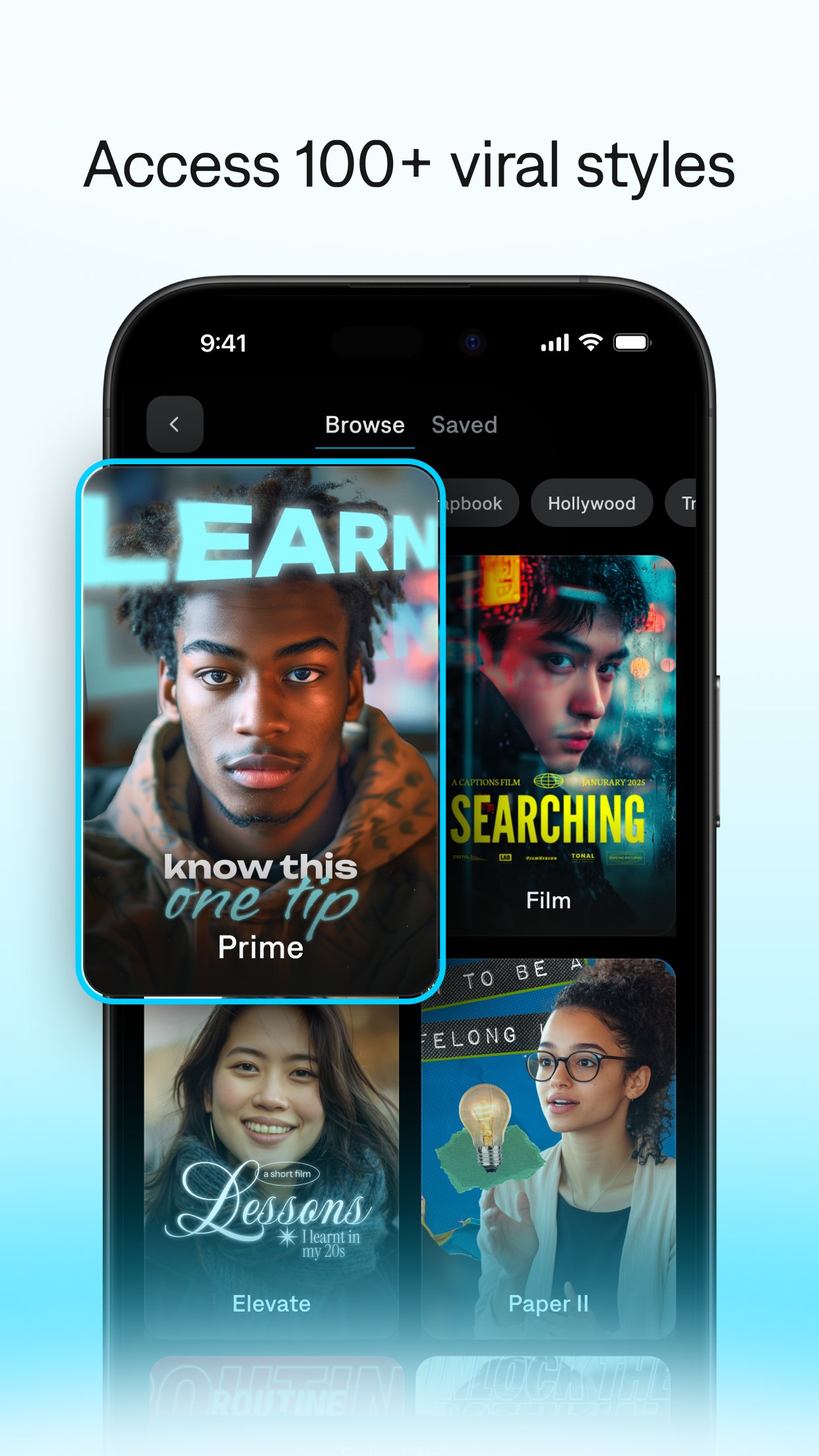
- edits video in one tap with AI Edit styles
- cuts long videos into short clips
- makes AI ads, avatars and digital twins
- translates video with AI lip-dubbing
- includes a teleprompter, noise removal and voice cloning
Ratings
What people say
Users like the transcription quality and the one-tap AI edits, but the most common complaint is cost for anyone posting daily, plus reports of crashes and lost projects. Store ratings are high (4.67 from 4,258 UK App Store ratings) while independent reviewers and user reviews are cooler, mostly over price. Little user discussion of Captions exists in 2026 compared with CapCut.
“I found captionai which is generally perfect for what I need but just costs too much for someone who wants to do daily videos.”
Individual user review, 14 May 2026 · source

“I am using desktop.Captions.ai to create subtitles. Mainly because transcriptions from Catalan audios are excellent, it's easy to use and aesthetics are quite nice too. BUT I can't get the .SRT…”
Individual user review, 30 January 2026 · source

“i’ve been using their captions app for a while and love it”
Post on X, 25 September 2026 · source

“The issue with captions is the very short prompts & very short transcripts and very expensive meta product that blocks free speech and topics.”
Post on X, 28 May 2026 · source

Press reviews
- TechCrunch 2025-09-04
News analysis of the Mirage rebrand: selfie-based avatars will help brands cut costs, but deepfakes are getting harder to spot; the company says it blocks impersonation and requires consent, and admits 'design isn't a catch-all'.
- eesel AI blog 2026-09-27
Best for solo creators and hobbyists; 'I would not recommend it for businesses, agencies, or any professional who needs reliability', citing crashes, lost projects and unpredictable credit bills (written by a vendor of other AI software).
- NeuronFeed 2026-05-04
8.6/10, 'worth shortlisting', with credit limits on lower tiers and a weaker desktop experience as the main drawbacks.
Privacy
- Trains on your data
- Yes. The privacy policy (effective 10 Nov 2025) lists using information 'to train our artificial intelligence/machine learning models'; the EEA disclosures put this on a legitimate-interest basis and cover biometric data generated from the face or voice. The policy also allows disclosure to third parties 'for the purpose of enhancing their services, training their algorithms'.
- Opt-out
- no AI-training opt-out found in the policy; UK/EEA users can object to legitimate-interest processing via the Privacy Rights Requests Form, and US users can opt out of 'sale/sharing' via a Do Not Sell link
- Retention
- Kept 'for as long as necessary to provide the Services' and for other listed purposes; account deactivation by email, and data may still be retained as the policy allows
- Incidents
- No breach, fine or lawsuit found in web searches (Captions/Mirage lawsuit, BIPA, likeness). Likeness risk: the Mirage Studio product makes avatars from selfies; Mirage says it blocks impersonation and requires consent (TechCrunch, Sep 2025). App Store lists data used to track users.
- Age limit
- 18+ (terms and privacy policy prohibit under-18 use); App Store rating 17+
Official videos
- Mirage - AI post production is getting exceptionally good. Edited with AI Edit in Captions. 2026-06-30
- Mirage - Pro-level captions on any video. Created in the Captions app. 2026-07-16
FAQ
Is Captions free?
The app is free to download, but the free plan has no AI credits and only one caption template. AI features need a subscription, from £9.99 a month on the UK App Store.
Has Captions changed its name to Mirage?
The company renamed itself Mirage in September 2025. The app is still called Captions.
Is Captions on Android?
Yes, as Captions Lite on Google Play, rated 4.05 from 18,541 reviews. It has fewer features than the iPhone app and a separate subscription.
Does Captions use my face and voice to train AI?
Its privacy policy says it uses information, including biometric data from faces and voices for some features, to train its AI models. No training opt-out is described.
Can teenagers use Captions?
No. The terms ban anyone under 18 and the App Store rates it 17+.
Scores are based on published evidence, not lab tests. How we score.
Similar tools

Edits (Instagram)
Instagram's free phone video editor for Reels, with captions, cutouts, a teleprompter and AI restyle effects.

CapCut
ByteDance's phone and desktop video editor, with auto-captions, templates and built-in AI video generation.

InShot
Simple phone video editor for trimming clips, adding music and text, with auto captions and a few AI effects.

Google Flow
Google's AI video studio on phone and web, turning a typed idea or a photo into short clips with sound using its Veo 3.1 and Omni models.